You’re probably asking the wrong question.
If you’re working on a report, proposal, white paper, or executive brief, the issue usually isn’t which AI tool to edit with. It’s what you’re trying to fix: clarity, structure, tone, accuracy, or speed. AI can help with drafts, but it can’t replace judgment, reader awareness, or your final call on what stays.
That’s where the real editing work starts.
It’ll give you a more confident-sounding version
of the same confusion.
Tool Debate Misses the Point
When I look at business writing, I don’t start with the tool. I start with the job the document has to do. A proposal has to persuade. A brief has to guide a decision. A report has to make sense fast. If that purpose is muddy, no ai tool can clean it up for you.
People want a fast fix. That’s normal. But editing isn’t the same as polishing. If the logic is weak, the priorities are mixed, or the reader isn’t clear in your mind, the software choice is beside the point.
Most AI editors can only work with what you give them
AI can rewrite sentences. It can tighten wording. It can swap one tone for another. What it can’t do with much reliability is decide what the document should be doing when you haven’t made that clear.
Say you’re editing a client proposal with no direct ask. The wording may improve, but the proposal still drifts. Or take a report that mixes status updates, risk flags, and recommendations with no order. AI may make each paragraph sound smoother while leaving the document confused.
If you’ve already run your draft through AI and it still isn’t working, this post names why.
Better prompts help, but they do not fix bad judgment
Prompting matters. If you ask for a tighter executive tone, you’ll often get one. If you ask for plain language, you may get cleaner sentences. That’s useful.
But strong prompts still depend on you knowing what “better” looks like. If the wrong detail gets cut, if the tone turns stiff, or if context disappears, the edit can hurt the document while sounding polished. In business writing, that costs trust fast.
What AI Editing Tools Do Well & Where They Fall Short
Most AI editing tools for business writing are good at short, low-risk cleanup. That’s their lane. If you’re not sure what kind of editing support fits your document, the small business services page is a good place to start. They’re handy when you need a rough draft tightened before you review it with a clear head. If you want practical checklists for that kind of pass, the Freebie Library is a good place to start.
The trouble starts when people expect more than sentence help. AI is not a careful reader in the human sense. It doesn’t know your office politics, your client’s objections, or the unstated reason an executive asked for this brief in the first place.
Where AI helps you move faster
This is where AI earns its keep. You can use it to trim repetition, fix obvious grammar slips, simplify a bulky paragraph, or make an email sound less tangled. It can help you spot clunky phrasing in reports, shorten bloated sentences in proposals, and turn passive wording into something more direct.
That’s all real value. Speed matters. If you’re staring at a messy draft, a first-pass cleanup can save time and attention.
The catch is simple: faster only helps if the meaning stays intact.
Where AI tends to break down
AI often misses the difference between “clear” and “flat.” It can strip out useful detail, smooth over tension that should stay visible, or make a document sound polished but generic. When I use AI in my drafting process, I am constantly adding details. If you’re a strong writer, that generic drift is especially easy to miss; I wrote about why in What Strong Writers Get Wrong About Editing. That difference is a problem in business writing, where credibility often depends on precision.
Longer documents create another problem. AI may lose the thread across sections, repeat points, or handle one paragraph well and another badly. It can also make overconfident edits, as if every change is an improvement. It isn’t.
What You Should Judge Instead of the Brand Name
If you’re comparing tools without judging the document itself, you’re shopping in the wrong aisle.
Start with risk, audience, and complexity. A weekly internal update doesn’t need the same editing setup as a board memo or client-facing proposal. The stakes should drive the method.
This quick table makes the pattern easy to see:
| Document type | Risk if AI gets it wrong | Best use of AI |
|---|---|---|
| Internal update | Low | First-pass cleanup |
| Team email | Low | Tone and grammar check |
| Client proposal | High | Limited line edits, then human review |
| Executive brief | High | Cleanup only after structure is set |
| Policy or compliance document | High | Minimal AI, careful human editing |
Higher stakes mean less room for AI-only editing.
Start with the stakes of the document
Ask one question first: what happens if this draft goes out wrong?
If the answer is “not much,” you can use AI more freely. If the answer is “we lose credibility,” “the client says no,” or “leadership gets the wrong picture,” you need tighter control. That’s when sentence polish is the least of your concerns.
Match the editing method to the job
Not every draft needs the same kind of help. Some need a structural rethink. Some need line editing. Some need a final polish after the hard decisions are already made.
That’s why “which tool?” is too shallow a question. A draft with weak organization doesn’t need smarter rewrites. It needs someone to decide what belongs first, what can move, and what should go.
Decide how much human oversight you still need
This is the part people skip. They assume the better tool will remove the need for review. It won’t.
If the document affects clients, leadership, compliance, funding, or public trust, a person still needs to judge the final version. Not glance at it. Judge it. AI can assist the process, but it can’t carry the responsibility.
A Better Workflow for Editing Business Writing with AI
A better process is simple. Diagnose first. Use AI for cleanup second. Review with human judgment last.
That order matters. If you reverse it, you end up polishing sentences inside a draft that still has bigger problems.
Use AI for first-pass cleanup, not final judgment
Use AI early, when you want to cut clutter, test alternate phrasing, or surface rough spots. That’s a good use of time. It can help you see the draft more clearly before you make editorial decisions.
But don’t hand over the final judgment. If the document shapes a client decision, an executive readout, or your professional reputation, you need to decide what the words are doing, not only how they sound.
Bring in a human editor when the draft has real consequences
Some documents need more than cleanup. Persuasive proposals, strategic reports, board materials, and AI-assisted drafts that sound oddly generic all benefit from a second set of expert eyes.
If you know the draft has deeper issues than grammar, request a Strategic Editorial Diagnostic. That’s often the fastest way to figure out whether you need restructuring, line editing, or a full review before you waste time on the wrong kind of fix.
The Better Question
AI has grown and spread and specialized enormously in the 12 months since my 2025 reviews of free and paid tools. All kinds of apps have their own specialized AI, and many of them are very useful, very helpful. Nevertheless, we can now see clearly that all AI tools share the same basic limit: they can revise language, but they can’t take over editorial judgment.
So stop asking which tool should edit your business writing. Ask what the document needs, how much risk it carries, and where a human still has to step in.
That’s how you protect clarity, credibility, and the point of the document itself.
Keep the Key Points Close
If this post resonated, you might want to download:
Where Did Your Reader Get Lost? A Two-Part Writing Diagnostic
This guide helps you identify where your writing stops working for your reader, before it goes out. If you’ve revised the same document more than twice and still can’t say why it isn’t landing, the next step isn’t another round of editing.
👉 Where Did Your Reader Get Lost? (in the Freebie Library)
Curious About Working Together?
If someone you respect has already told you your writing needs work, that’s enough of a starting point.
Start with the Strategic Editorial Diagnostic
Pricing is by document length, starting at $175, with no future commitment required. You’ll get one focused conversation about your document, your reader, and what’s standing between them.
👉 Strategic Editorial Diagnostic

Thanks for reading — here’s to clearer writing and stronger ideas.
~~ Susan
Frequently Asked Questions about AI Editing Tools
Use the tool that fits the job, not the one with the flashiest brand name. If the draft just needs light cleanup, AI can help with grammar, tone, and repetition. If the draft affects clients, leadership, compliance, or trust, a human still needs to make the final call.
It can improve sentences, but it can’t rescue a draft with the wrong structure or a muddled point. If the logic is off, the draft needs editorial judgment first. AI works best after the big decisions are already made.
Use a person when the draft has real consequences. That includes proposals, executive briefs, policy documents, and anything tied to funding, compliance, or public trust. AI can help with cleanup, but it can’t carry responsibility for the result.
Start by asking what the draft is supposed to do. Once the purpose is clear, you can decide whether you need structural edits, line edits, or just a final polish. That keeps you from polishing a document that still has bigger problems.
For low-risk cleanup, the tool choice barely matters. Use whatever’s in your workflow. They are all equally good for cleanup.
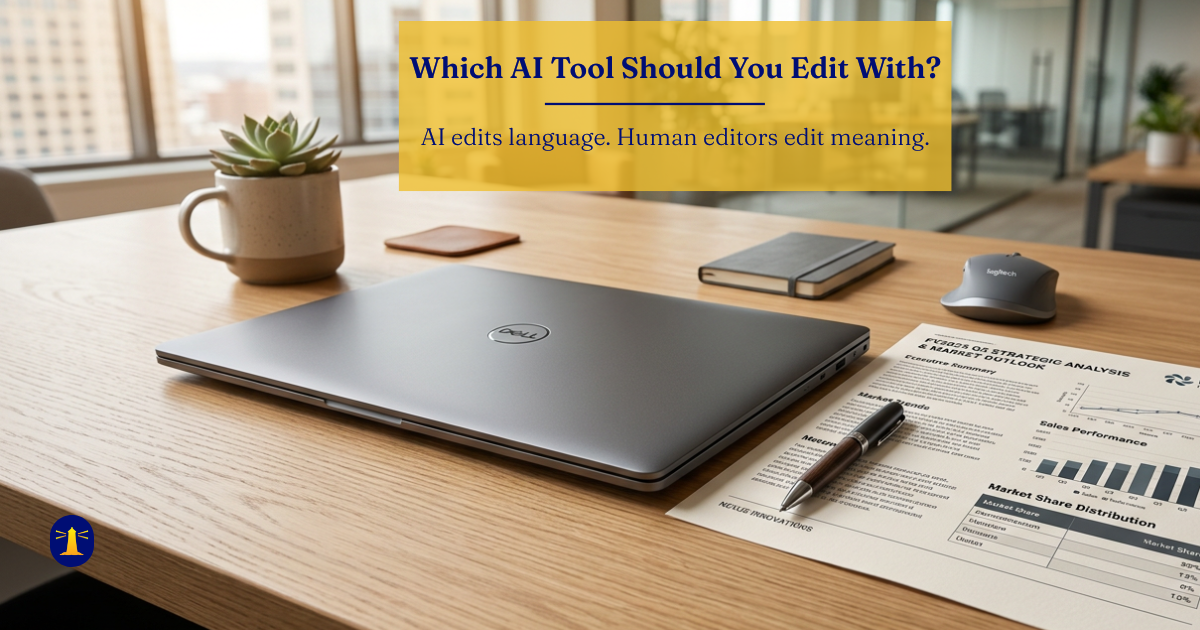
AI edits language; human editors edit meaning. When the document’s job is to persuade, inform, or protect credibility, meaning is what matters.