At 4:12 pm, a draft can turn into a problem. A proposal is due by 5. A client is waiting on a scope answer. A launch page is almost ready, but one line feels risky. Money and trust sit on the other side of “send.”
That’s when I see the real cost of delays in the content creation workflow. It’s not only missed revenue. It’s the awkward email threads, the stalled start dates, and the quiet stress that follows you into dinner.
When I say fast editorial access, I mean same-day editing, or 24-hour editing. And here’s the core truth: you can’t get that because setup delays (contract, payment, intake, workflow) will hold you up for days. It’s not the editing itself. It’s the contracting. You could click a terms-and-service document without reading it. Or you can slow down long enough to get clear on what you’re buying and what you’re not. That’s exactly why I set up the service I call Premium Access.
Key Takeaways
- Premium Access means getting help while a draft is still live, not after a long administrative set-up.
- Most “same-day editing” delays come from setup problems (intake, files, scope, payment, approvals), not the editing itself.
- A blocked draft slows revenue because it delays launches, proposals, invoices, and time-sensitive emails.
- Pre-set working conditions (terms, payment, intake path, voice norms, turnaround rules) make fast turnaround realistic.
- Strong fast edits protect promise control, decision clarity, tone under pressure, and risk lines, without rewriting what already works.
The Hidden Cost of Waiting When a Draft Blocks Revenue

A blocked draft creates a bottleneck in the content lifecycle. It presses on everything around it.
If a service page is “almost done,” you often keep it in your head all day. You tweak a sentence, then stop. You reopen it at night. Meanwhile, your launch waits. Your invoice waits too, because you don’t want to bill until the page is live, or the client signs, or the proposal goes out.
Email is the same. A follow-up thread goes cold because the wording feels risky for brand consistency. You don’t want to sound pushy. You also don’t want to sound unsure. So you write “Just checking in” again, then you decide to “circle back later.” That “later” turns into a week, and the lead moves on.
The costs show up in plain ways:
- A start date slips, so your project management gets messy.
- A lead cools off, so you chase it harder.
- A client asks for “one more thing,” because the boundary wasn’t clear.
- You get stuck in “I’ll get back to you” loops, because you don’t want to commit.
Fast editorial access isn’t a luxury in these moments. It’s a business system. It streamlines the content creation workflow and boosts publishing speed, keeping your writing from becoming the bottleneck that blocks cash flow.
Mini-scenario: the proposal that should have gone out yesterday
A consultant sends me a proposal draft at 2:30 pm. The work is solid, but one line is fuzzy: “This includes strategy support for the rollout.”
That phrase can mean two meetings or two months. So the client replies with questions. Then the consultant replies with clarifications. Then the start date slides. The delay wasn’t the proposal. It was one unclear promise.
In a fast pass, I fix four things quickly. I tighten the scope language so the promise is controlled. I make the timeline hard to misread. I flag any sentence that invites negotiation. Then I add a next step that’s unmissable, like “Reply with approval by Thursday at noon, and I’ll send the invoice and kickoff link.”
The goal isn’t fancy wording. It’s decision clarity, with fewer open doors.
Why “Same-Day Editing” Is Usually a Setup Problem, Not an Editing Problem
People ask me about “same-day editing” as if it’s a speed trick. It isn’t. “Same-day editing” is a deadline promise. “Rush” is a capacity upgrade. Either way, the real issue is access, not editing. In other words, can I step in quickly? Yes, if the contract and relationship conditions are already in place.
Without pre-setup (contract, payment, intake, workflow), “same-day” often is not truly same-day. The time goes to logistics without workflow automation.
Here’s a common pattern. A client writes at 10:00 am: “Can you take a quick look today?” The draft arrives as a pasted email, without the source file from a central repository. There’s no note on audience with metadata tagging. No “what success looks like.” The brand voice changes depending on who’s writing. Also, it’s unclear who makes the final call.
So we lose time on basics. Which version is current without version control? Is this for a new lead or an existing client? Are we trying to persuade, inform, or set a boundary? Does the client want light edits or a deeper rewrite?
Those questions matter. Until they’re answered, “same-day” turns into “after we sort this out” via project management. That’s not anyone’s fault. It’s just how professional editing works when relationship and mutual understanding don’t exist yet.
What “setup in advance” actually means in plain language
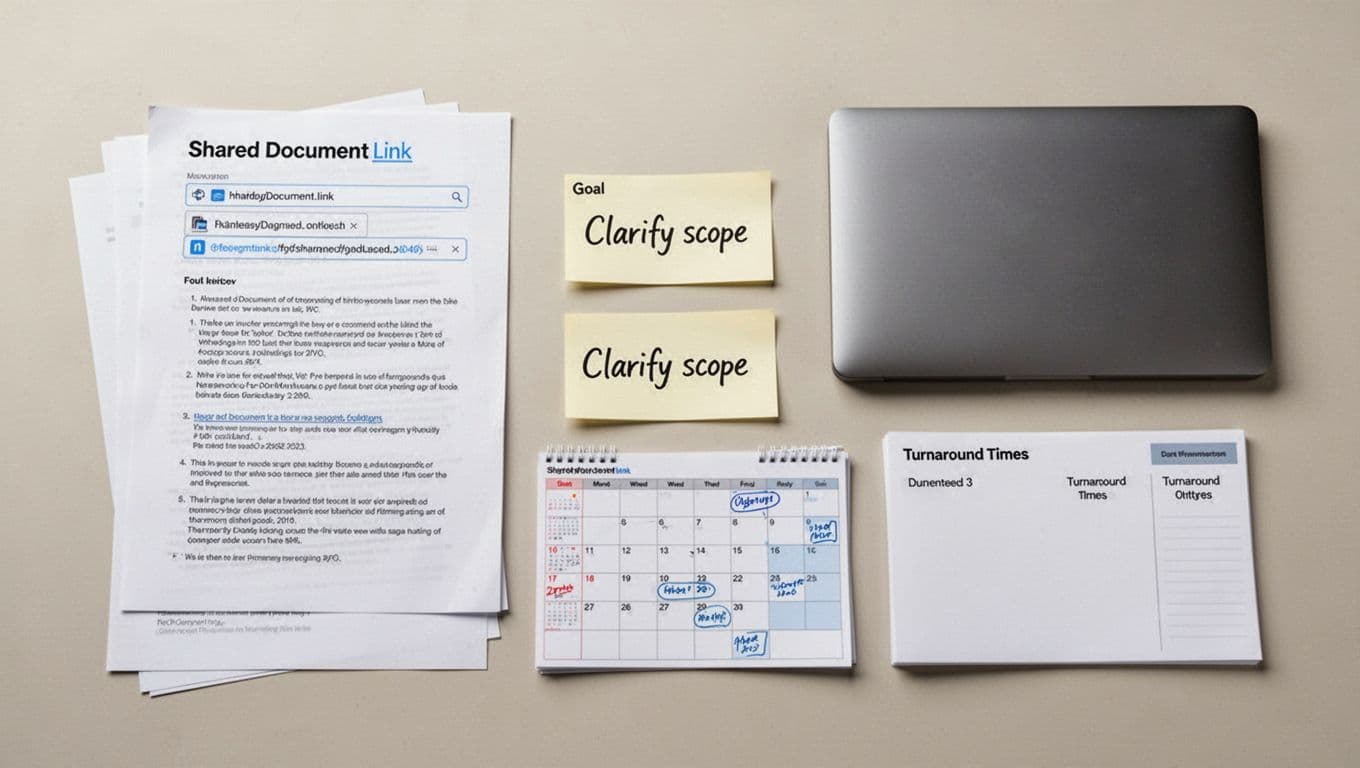
Setup in advance is very straightforward. If the setup step has ever been the reason you didn’t get editing help, this breaks down what’s really happening and why it feels harder than it should: Want Editing Help … But the Setup Is Too Much? So how do we “setup”? We agree to terms. I have billing terms in place. You know how to submit requests. We share scope norms (what counts as a request). We agree on turnaround expectations. We also set how back-and-forth works, so revisions don’t spiral through the content lifecycle from draft to final approval.
When that’s ready, a request can be almost effortless. An owner sends one link, one goal sentence, and one deadline. For example: “This scope change email needs to be firm and calm. I want the client to sign the change order today. Please return a send-ready draft by 3.”
Because the setup already exists, I don’t spend the first hour building the runway. I can start working.
Where The Speed Actually Comes From in Premium Access
When I offer Premium Access with fast editorial access, I’m not promising that I type faster. I’m promising that the friction is already removed through real-time collaboration, because we did the setup in advance. That changes everything under pressure.
Speed comes from readiness: the request arrives in the right format, with the right context, through the right channel. I already know your voice and your audience thanks to metadata tagging. I also know what “done” means for you. If you’re an independent professional or small business owner and the draft is tied to revenue, client decisions, or a time-sensitive launch, this is the service page that explains what I do and how to use it.

In practice, as an extension of your editorial team, my fast editorial access focuses on five things that protect your business through optimized creative workflows:
- Promise control comes first, especially in project management. I watch for lines that quietly overpromise scope, timing, or outcomes. Those lines trigger pushback later, even if the client smiles now.
- Decision clarity comes next. I make the next step obvious, so the reader doesn’t wander. A draft should guide a yes, a signature, a payment, or a booked call.
- Tone under pressure matters more than people think, for maintaining brand consistency. When the stakes are high in media production, writers often sound either sharp or soft. I aim for firm, confident, client-safe language.
- Risk spotting is the quiet skill. I look for the one sentence that will cause confusion, negotiation, or mistrust. Then I fix it without changing your whole message.
- Finally, I protect what not to change. If a paragraph already sounds like you, I keep it. If a phrase already carries authority, I don’t sand it down.
Fast editorial access works best when I can edit the decision, not just the sentences. That “edit the decision” move is the overlooked skill most people miss. If you want the deeper why behind it, read The Overlooked Skill That Makes Good Writing Great.
Mini-scenario: a scope change email that must be firm, but not harsh

A client adds work mid-project: “Can you also redesign the onboarding flow?” The owner wants to keep goodwill, but they can’t absorb the extra hours.
With fast access, I reshape the email so it holds the line without sounding defensive. I clarify the boundary (“That isn’t included in the current scope”). I offer two clean paths (change order or separate phase). Then I make the next step easy (“Reply with option A or B, and I’ll send the updated agreement today”).
Just as important, I keep the parts that already sound like the owner. If their voice is warm, I keep it warm. If they’re direct, I keep it direct. I don’t replace their style with mine.
How Premium Access Works
- Buy Premium Access (one-time setup).
- You get a simple “send it like this” format (link + goal + deadline).
- You send the request through the agreed channel.
- I return a send-ready draft (same day or within 24 hours when feasible).
- One quick revision loop if needed, within the agreed scope.
If you want the full walkthrough of what happens after purchase, see What Happens After You Buy Premium Access.
What Fast Editorial Access Looks Like in Practice
Fast access to editing should feel repeatable, not mysterious, like remote video editing for specialized fast support. The request comes in, I make high-impact edits, then you ship. The loop stays simple.
First scenario: a service or intake page stalls a launch. The owner sends a request through my form and says, “This page is good, but I can’t hit publish. Something feels off.” I don’t need a 12-page brief. Due to our established relationship, I understand your offer, the audience, the risk spots they fear, and what action you want the reader to take.
I return a revised page that’s easier to say yes to. The structure leads with the outcome, not the process. The promise stays realistic. The call to action sits where a scanning reader will see it. Then the owner can publish that day, proceed to content distribution, and move on.
Second scenario: a follow-up email or proposal revision happens mid-negotiation. A client asks for changes, or they go quiet. The owner forwards the thread and says, “I need a reply that’s calm but clear, and I don’t want to sound desperate.” In that case, with real-time collaboration, I focus on tone control and decision clarity. I reduce the “maybe” language, without adding pressure. I also remove any line that invites a long side debate.
Both scenarios work quickly because we aren’t starting from zero, thanks to Premium Access. The relationship is already in place so the actual editing workflow is ready to start in minutes. The goal is clear enough to edit toward.
Mini-scenario: the service page that is good, but not converting

A page can look polished and still feel slippery. I see this when the outcomes are vague, the next step is buried, and the promises sound broad, even in media production. The writer tries to please everyone, so the page ends up sounding like no one.
My fast fixes are plain. I tighten the headline so it says who it’s for. I clarify the result in everyday terms, not inflated claims. I move the next step up, so the reader doesn’t hunt for it. I also remove risky lines like “guaranteed results,” unless the business can truly back them. At the same time, I keep what’s already working. If the owner has a strong story line, I protect it. If a sentence has real authority, I don’t rewrite it just to be clever.
Then comes the best moment in editing: “Ship it.” The page doesn’t need to be perfect. It needs to be clear, safe, and ready to earn.
What Smart People Get Wrong About Fast Help
“I need to wait until it’s perfect before I ask.” Perfection is a moving target, and it hides real decisions. I’ve seen founders polish for two weeks, then miss the launch window they cared about. When I get the draft earlier, with pre-set context in your media library, I can protect your promise and your tone before bad habits settle in.
“Same-day is just about paying extra.” Money doesn’t create time by itself. If setup isn’t done, including user permissions and project management, you still lose hours to context and expectations. Fast editorial access works for you because the basics are already agreed, so we can work immediately.
“Fast help means lower quality.” Rushed work is sloppy, but fast access upholds production standards without rushing. It means I already know your voice, your audience, and your risk points. As a result, I can make fewer edits, and each one matters more.
When the system is ready, speed and quality stop fighting each other.
Why Future Perfect Services Does This Differently
Urgency can make people thrash. They rewrite the whole email three times. They change their tone mid-paragraph. They add extra details to feel safe, then the message loses its point.
FPS uses collaborative editing with a few guardrails to streamline production while moving fast. I stay inside a clear scope, so “urgent” doesn’t become “everything at once.” The editorial team protects voice, because your clients should recognize you on the page. I make decision-led edits aligned with content strategy, so the draft moves toward an action. I also prefer fewer, higher-impact changes because a clean fix beats a full rewrite at 4 pm.
Documented expectations matter too. When expectations are clear, urgency doesn’t cause chaos. The request comes in the usual way. The turnaround is known. The back-and-forth has limits.
One Next Step: Set Up Premium Access Before The Next Urgent Draft
If you only remember one point, make it this: the real delay is setup. So set up Premium Access now, before you’re under pressure, to unlock high-speed access as the primary benefit of planning ahead.
Next time a client asks for a media production change by tomorrow, you won’t lose half a day to logistics with your editorial team. Instead, you’ll send the link, the goal, and the deadline, then you’ll get a draft ready for content distribution.
If you want that kind of readiness, I recommend putting Premium Access in place, to finalize the agreement, payment method, intake path, and content strategy turnaround norms while things are calm. If you want to see the full behind-the-scenes sequence, here’s exactly what happens after Premium Access is active: What Happens After You Buy Premium Access? Premium Access will help you streamline production.
Frequently Asked Questions About Premium Access
Premium Access is a one-time, paid setup that establishes the working relationship in advance, so you can request editorial help later without losing days to contract review, scope definitions, and “how this works” back-and-forth. You are buying mutual understanding: what I do, what I don’t do, how estimates work, how requests are handled, and what “done” means for your writing. If you want that access in place before the next urgent draft hits, start on the Premium Access landing page.
No. Premium Access does not jump you to the front of the line, and it does not reserve weekly time on my calendar. And so you don’t pay for reserved time. Premium Access makes fast turnaround possible because it removes the setup delay. Actual turnaround still depends on the draft, the scope, and my current queue. You are paying for nothing more than what you would pay for in any case to set up this editing relationship. You are not a faceless client. This is high-touch, elite service, so we build a relationship where I understand you and your business needs.
Best fit is a draft that is live and close, where the stakes are high and the problem is landing, risk, tone, or decision clarity. This is not well-suited for “I don’t know what I’m saying yet”; that’s a regular editing job and does not need a Premium Access setup. Typical fits are proposals, scope-change emails, service or intake pages, and time-sensitive follow-ups.
First, we set up Premium Access so we understand each other without lengthy explanation. Then you can send your draft in the right format with a one goal sentence (“what I want the reader to do”), the audience, and the deadline. If there’s one line that feels risky, flag it. The point is to avoid losing hours to context questions that block “same-day” or next-day work from even being possible.
AI can generate wording quickly. What it cannot reliably do is promise control and consequence-aware judgment: spotting the line that accidentally overcommits you, triggers negotiation, or changes your tone under pressure. In urgent business drafts, you’re not paying for “better sentences.” You’re paying for clarity you can safely act on, with your voice protected and the risky ambiguity removed. That takes editorial judgment, and I have that.
If Timing Matters, Do The Setup Now
Fast editorial access isn’t about typing faster. It’s the main benefit of Premium Access. It’s about pre-established working conditions so the work can start right away.
When the setup is done, through collaborative editing and real-time collaboration, I can help you control promises, keep tone steady, spot risk lines, and protect what already works. That’s how drafts move forward without drama.
The best part is the calm it brings. You stop treating every urgent draft like a fire. Instead, you get back to running your business with confidence.
Start with One Clear Step
If your writing is time-sensitive, your best move is usually not more writing. It’s one clean clarity pass on the section that’s blocking you, so you can hit send without second-guessing.
Ten-Minute Clarity Edit Checklist
This one-page checklist helps you spot the most common clarity traps fast: audience mismatch, fuzzy purpose, tone drift, and the kind of wording that creates unnecessary back-and-forth.
👉 Download the Ten-Minute Clarity Edit Checklist (in the Freebie Library)
Want Editorial Backup That’s Ready Before The Rush?
Premium Access is the one-time setup that makes fast editorial access possible later, when the next urgent draft shows up.
Spots are limited to ensure editorial depth and clarity. If Premium Access feels like a fit, request setup while space is available.

Thanks for reading — here’s to clearer writing and stronger ideas.
~~ Susan